


01
Quotes
Build it, send it, get it signed, without asking the customer to make an account.
- Line items, photos, descriptions
- Deposits, discounts & tax
- Approved and signed online
- Templates for repeat work
 narra
narra
narra is home-service CRM and job management software. Quotes, schedules, crews and invoices stay connected, from the desk to the truck.
One record instead of four systems that mostly agree.
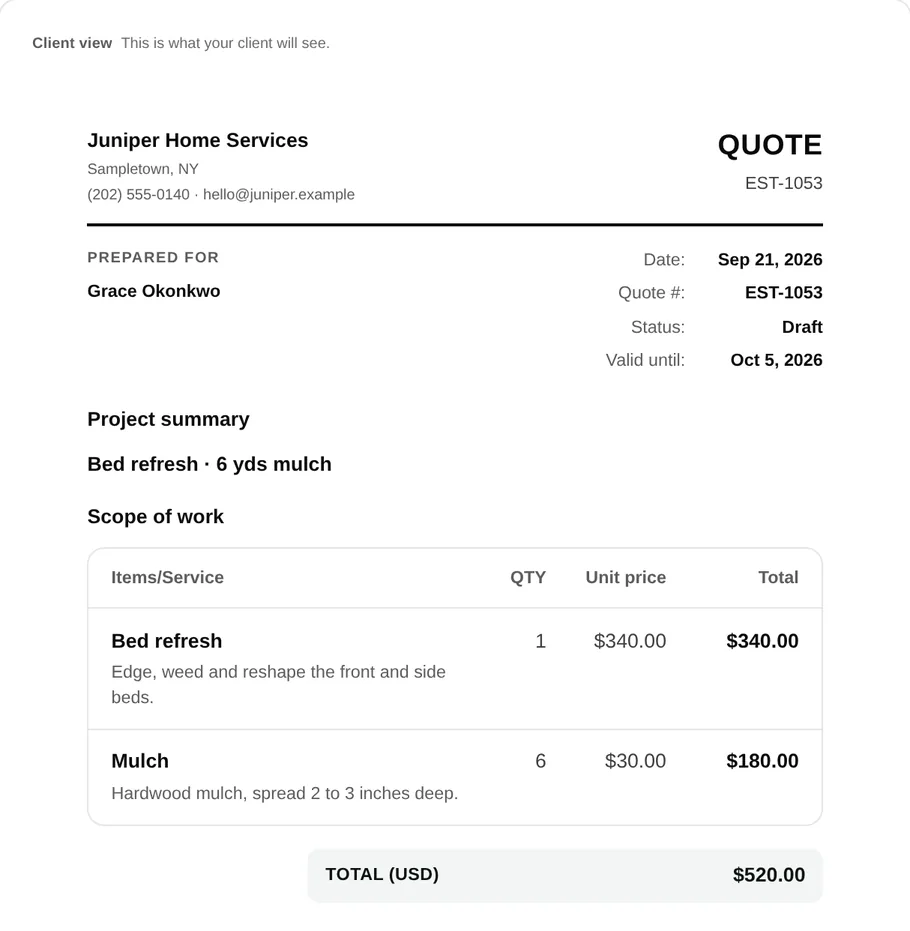
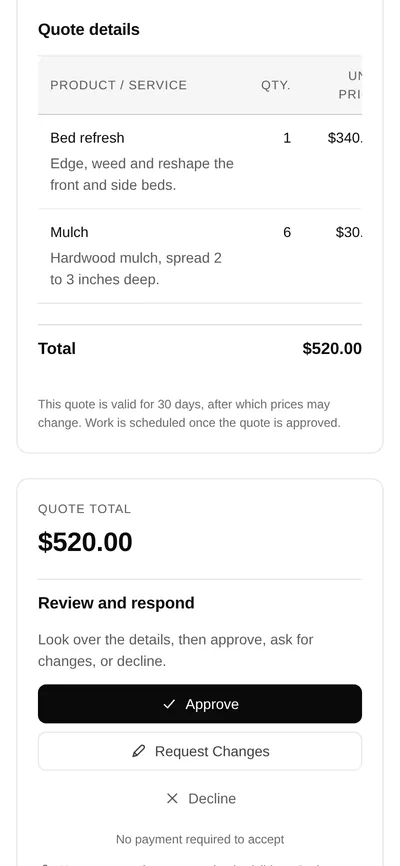
Build it, send it, get it signed, without asking the customer to make an account.
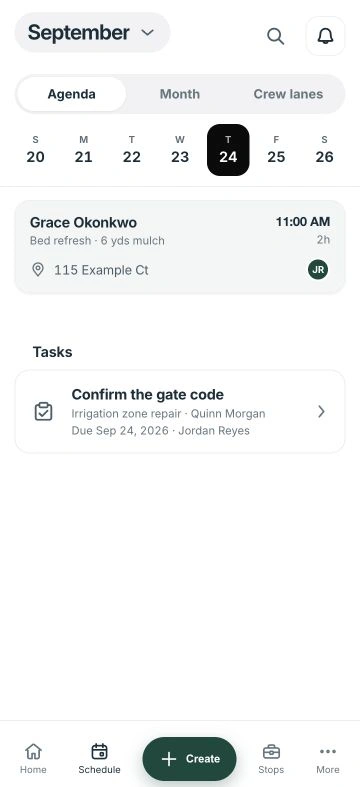
Who is doing what, when, and what they need to know before they pull up.
Bill what happened, collect what is owed, and always know which is which.
Entered once at the quote, carried forward to the receipt.
Price the work and send it. The customer opens a link, reads it, and approves it.
An approved quote becomes a job on the calendar, with the crew and window set.
The crew works from the phone, checklist, photos, notes, time, signal or not.
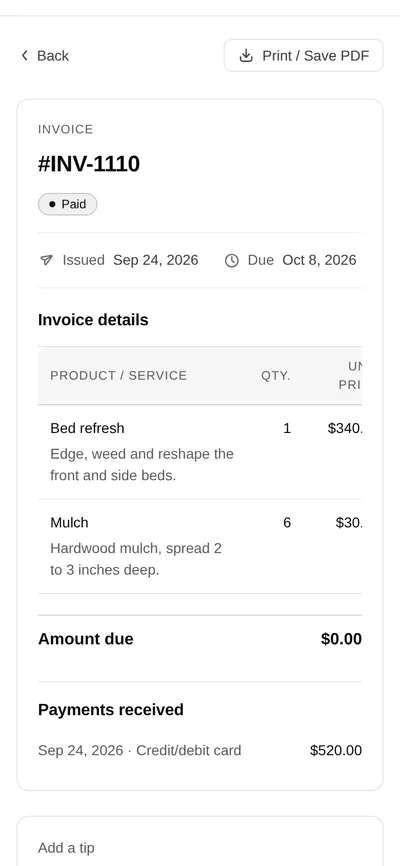
Invoice from the finished job, take the payment, and the books already agree.





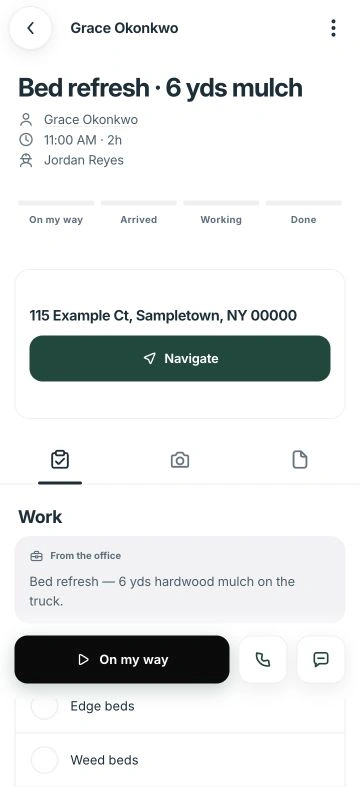


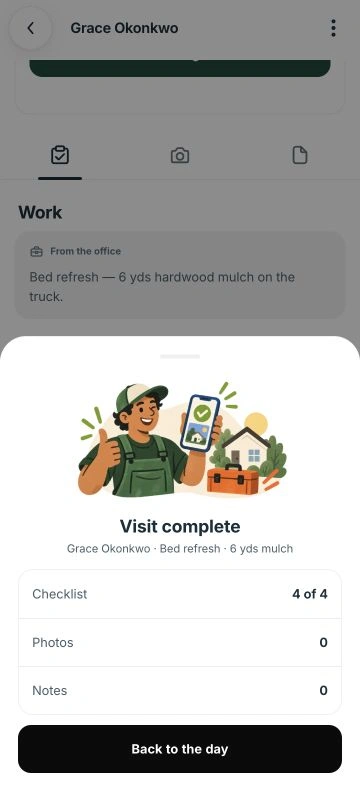

Today's route, the work order, photos, notes and time, on the crew's phone. It keeps working with no reception and sends the work up when the signal comes back.

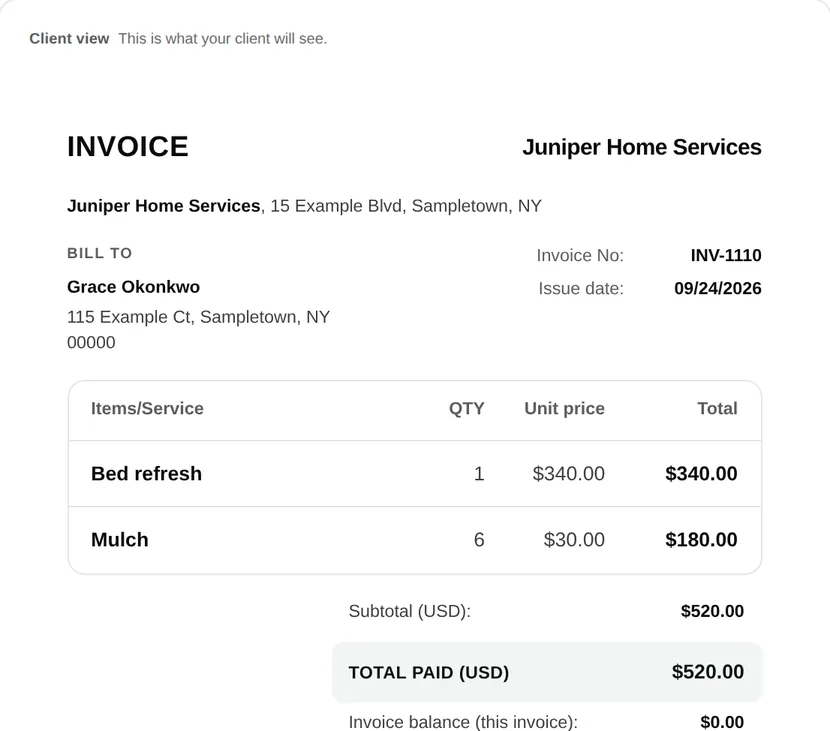
Same job, same numbers, wherever it's opened.
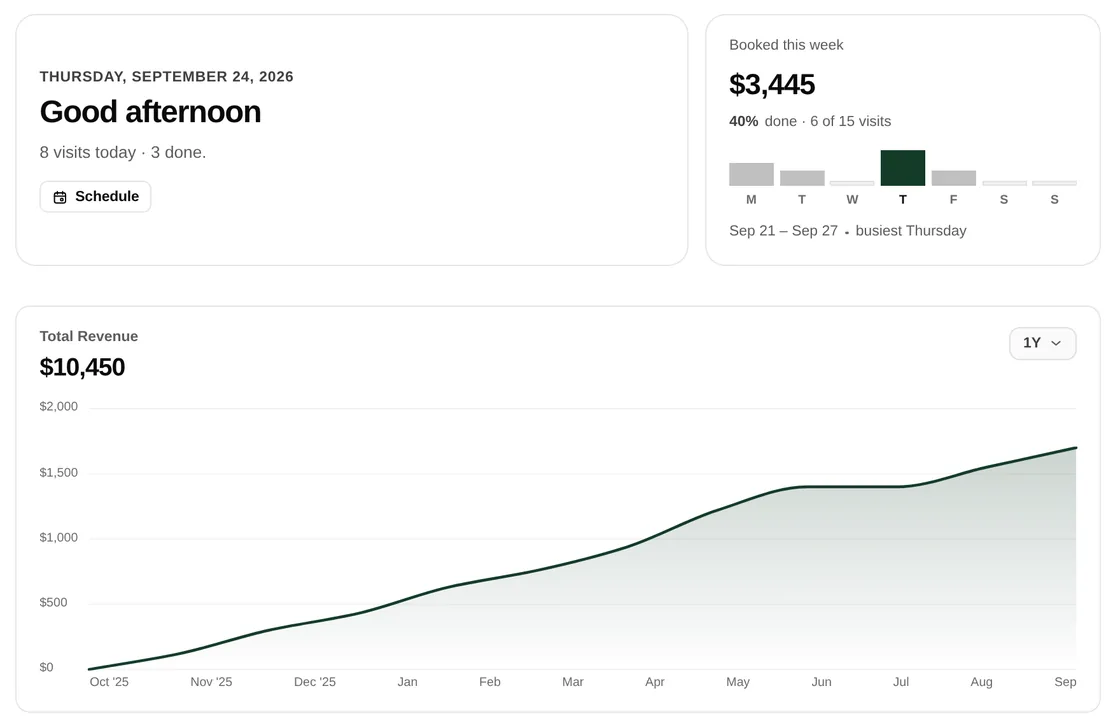
Quotes, the calendar, jobs, invoices, clients, expenses and payroll. Where the day gets planned and the month gets closed.
Today's route, the work order, photos, notes and time. It keeps working with no signal, and the crew never waits on a bar of reception.
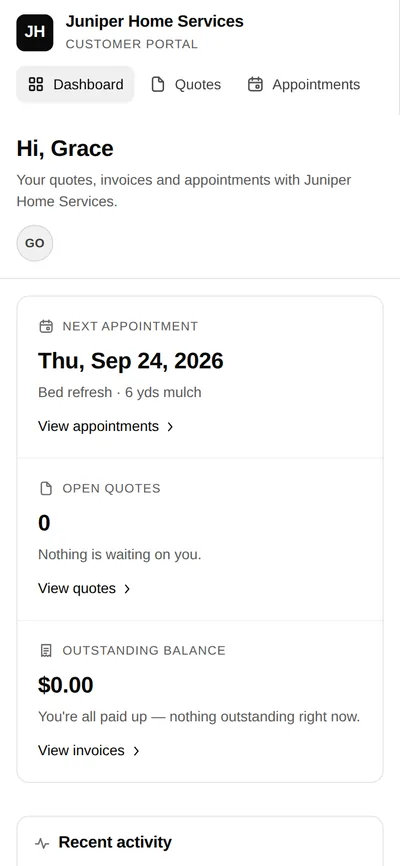
A private link. No account, no password. The quote to approve, the invoice to pay, the receipt to keep, and a record of what was done.
A few businesses while the product settles. No public sign-up yet.
Set up with you, by hand
no card, no contract
Straight answers for an early product.
No. The field app keeps the work order, notes, photos and time available without signal, then syncs when a connection returns.
No. They receive a private link for the quote, approval, invoice, payment and receipt—without creating another password.
You do. Pilot businesses can export their data whenever they want, in a format a person can read.
The pilot is completely free in exchange for honest feedback. There is no public checkout or paid commitment. Access is by invitation; tell us about your business so we can check the fit.
Join the waitlist. Tell us your trade and crew size, and we’ll contact you when there is a fit.
The pilot is completely free. Try narra on a couple of jobs and share honest feedback. Access is by invitation.
No newsletter. We’ll use your details to contact you about the pilot. Questions? team@narraweb.com.